
Screens Without the Stress
Technology isn’t going away, and treating it as purely a threat rarely works long-term. Healthy screen time limits, safer apps, and the online safety basics every parent should have in place before handing over a device.

Screen Time
Guidelines work best when they’re specific to your child’s age and tied to a routine, not just a number of minutes. Use our screen time tracker to set a limit that fits your family and stay consistent with it.
Online Safety
- Set up parental controls before the first unsupervised session.
- Keep devices in shared spaces for younger children.
- Talk openly about what to do if something feels wrong online.
- Review app permissions and in-app purchases regularly.
Choosing Educational Apps
Not all “educational” apps are created equal — look for genuine learning value over flashy rewards, ads, or in-app purchases dressed up as gameplay.
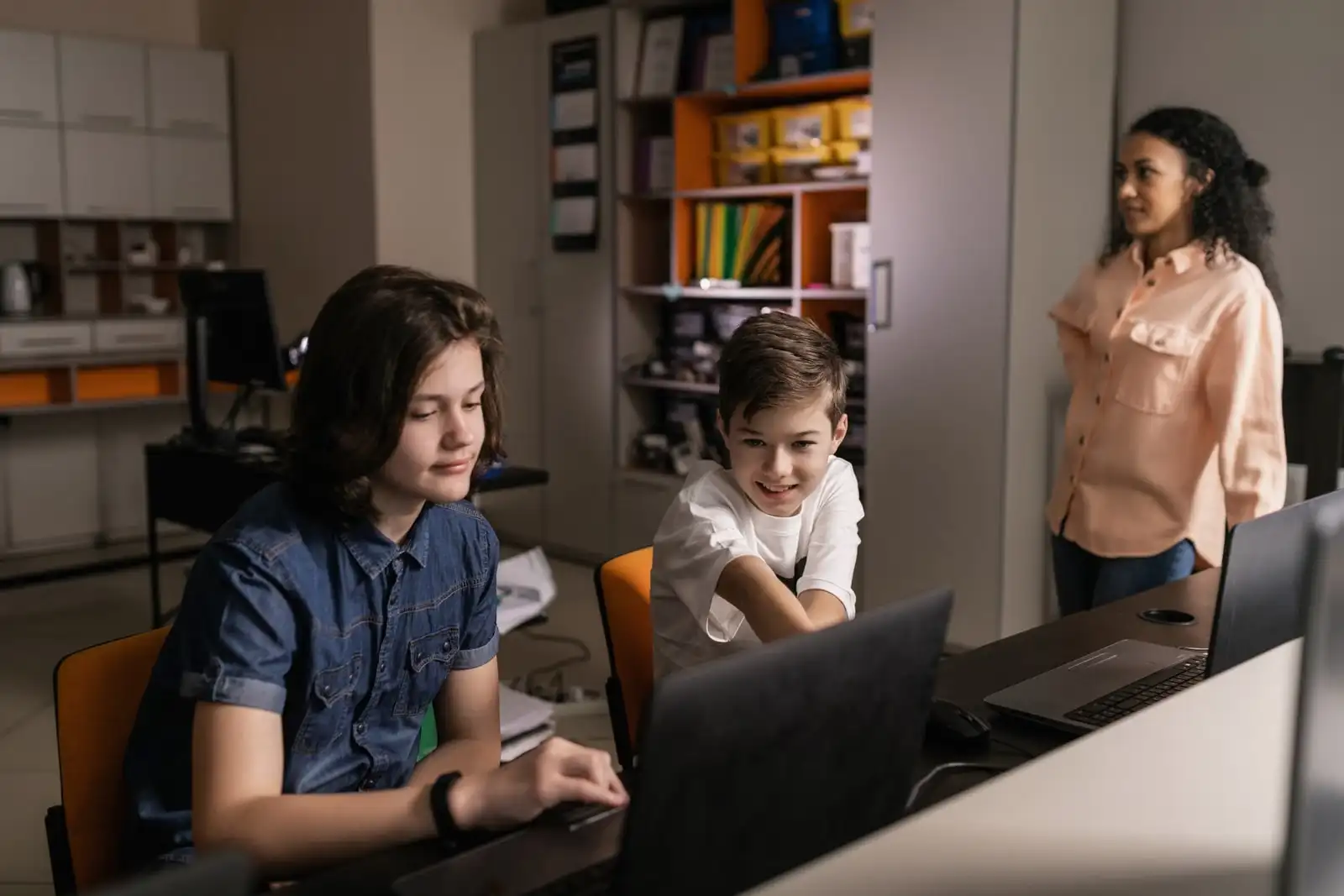
Kids Learning Technology in the Classroom
The same principles apply at school as at home: technology works best as a tool for a specific purpose, with clear time boundaries and adult guidance nearby.
Set a Screen Time Limit Today
Use the free Screen Time Tracker to set a limit that fits your family and stay consistent with it.
Kids Screen Time Guidelines by Age
These kids screen time guidelines aren’t about hitting an exact number of minutes — they’re about balance. Toddlers under two benefit most from little to no screen time beyond video-calling family. Preschoolers do best with an hour or less of high-quality, co-viewed content. Elementary-age kids can usually handle more structure than restriction: consistent daily windows, and screens earning their place alongside reading, outside time, and chores rather than filling every spare minute. Tweens need less top-down control and more conversation about why limits exist at all.
Educational Apps for Kids: What Actually Helps
Not every app labeled “educational” earns the name. The strongest educational apps for kids ask children to think, create, or solve something — not just tap the correct answer to earn a sticker. Look for apps that adjust to your child’s level automatically, give them something to build or explain rather than just consume, and don’t rely on constant rewards or notifications to pull kids back in. A good educational app should hold up fine even with the sound off and the streaks turned off.
Online Safety for Kids: The Non-Negotiables
Good online safety for kids starts before the first device, not after a problem shows up. Keep shared devices in common areas rather than bedrooms while kids are young, use built-in parental controls on the specific platforms your child uses rather than assuming one app covers everything, and have an ongoing, low-drama conversation about what to do if something online feels wrong — a stranger messaging them, a video that’s disturbing, a game asking for personal information. Kids who feel safe telling you something went wrong are far better protected than kids relying on filters alone.
What We’re Not Trying to Do Here
We’re not going to tell you screens are all bad or all fine — both extremes ignore how differently kids actually use technology. This page is meant to help you set kids screen time guidelines that fit your specific child and household, not to make you feel guilty about a rainy Saturday of tablet time. If a screen-related habit feels genuinely out of control rather than just imperfect, our Parent Problem Solver can help you find a more targeted approach.